Most WordPress plugins are built to grow your audience. I’ve been going in the opposite direction for years: building tools not to increase reach, but for personal reasons: to stay connected to people I care about, to keep memories that would otherwise scatter, to own the data that documents my own life.
That work has added up to something I’d call a coherent vision. And now, with my.wordpress.net, I believe I have contributed to tearing down one of the last walls that have been blocking people from joining me in this experience.
The wall
I have created many of the plugins I’m going to describe already some while ago. They’ve found an audience, but admittedly inside a bubble: people who already had a WordPress, or were technical enough to spin one up just to try something.
But I believe the personal use of WordPress goes beyond people who already use WordPress today. It is not well known that WordPress is a pretty good platform to run just for your own or your small social circle’s benefit.
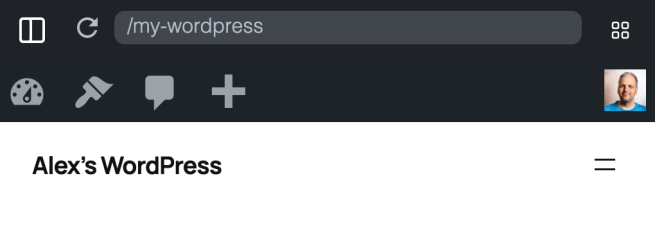
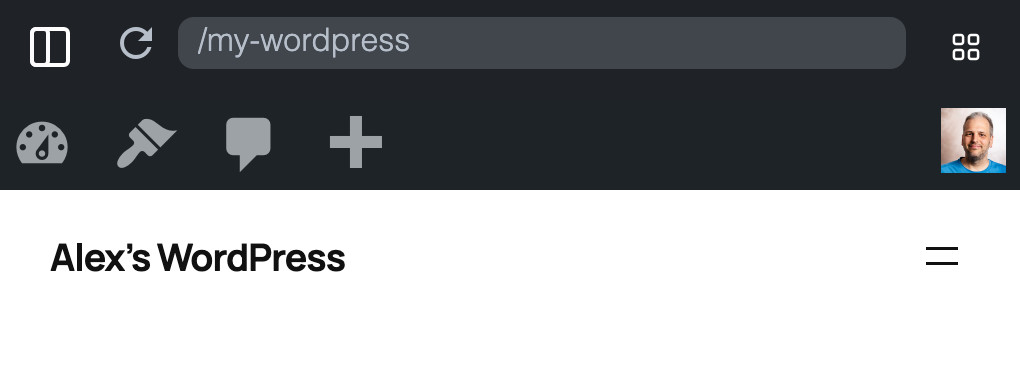
To try a plugin that makes WordPress personally useful, you first need a WordPress. And setting one up means finding a host, picking a domain, making decisions about a site you’re not even sure you want yet. That’s a publishing commitment, and most people won’t make it just to see if a feed reader or a personal CRM might be useful to them.
That’s the wall I kept running into. And that’s why I built my.wordpress.net: a complete WordPress that runs in your browser, no sign-up, no hosting plan, no domain needed.
It just behaves like a normal WordPress: you change something, you come back tomorrow, it’s still there. Persistent, and private by default.
Which sounds obvious because that’s how a website is supposed to work. But it’s built on WordPress Playground, a developer tool that is fresh and forgetful by design, because that’s useful when you’re testing things. And if you’re a developer: don’t worry, playground.wordpress.net will remain.
What your personal WordPress can do
Once you have a WordPress that’s yours rather than your audience’s, a whole different set of questions becomes interesting.
Keeping memories. When our first child was born, we wanted to keep a diary. We wanted more than just collecting the photos and videos, we wanted to have a place where we could also write down the stories, the funny things they say, messages in a bottle to them later on. A private blog was the perfect solution for that. And later, with Enable Mastodon Apps, we started using a nice mobile Mastodon app to do it, and grandparents to follow along, who would have thought of that?
Gathering memories. My daughter had a ski day recently. Photos came in from several different group chats: parents, the teachers. Before Chat to Blog, I would have to save them each and reupload them to my WordPress. But since I can now privately connect it to Beeper (a messaging client that can talk to Signal, Whatsapp, etc), it allows me to put the media directly into a new post and the media library, without any forwarding or downloading. The chat messages can disappear someday and it won’t matter, I still have the blog post.
Staying in touch. There are people in my life I genuinely care about, where things have faded a little; not because either of us stopped caring, but just because everyone has a busy life. Sometimes all it would take is a reminder to send a quick hello. Personal CRM turns WordPress into a private contact directory for the people who matter to you. Combined with Keeping Contact, it tracks when you last reached out and reminds you when it’s been too long. It’s not a sales tool. It’s just the nudge to actually do it.
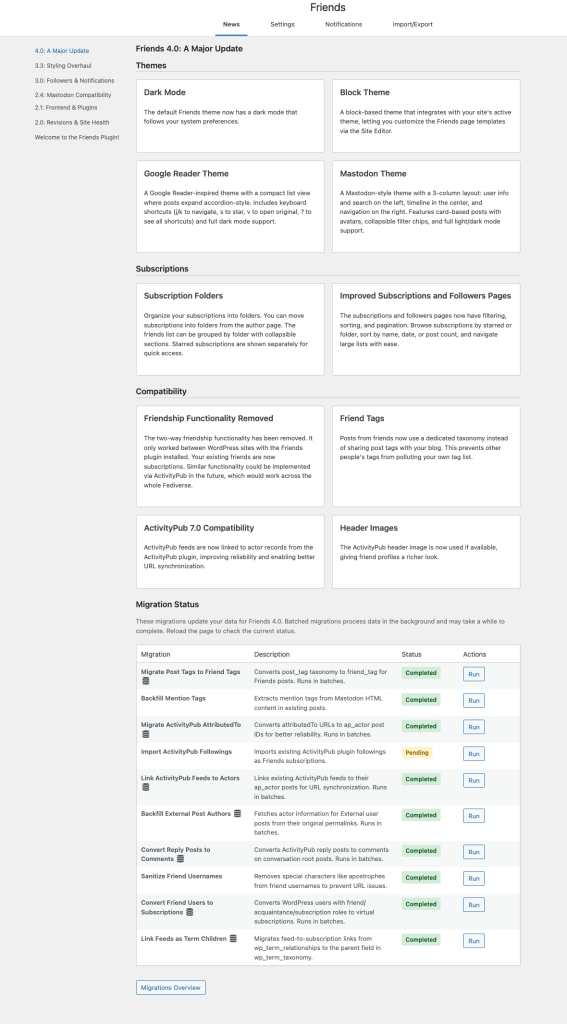
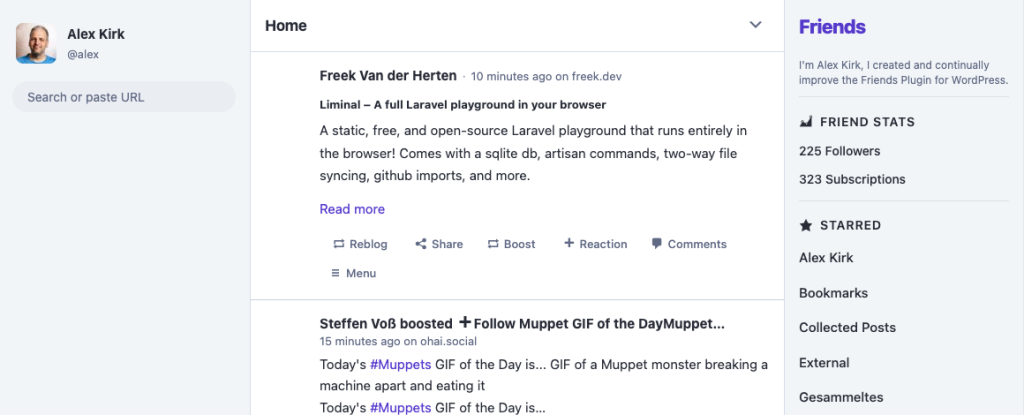
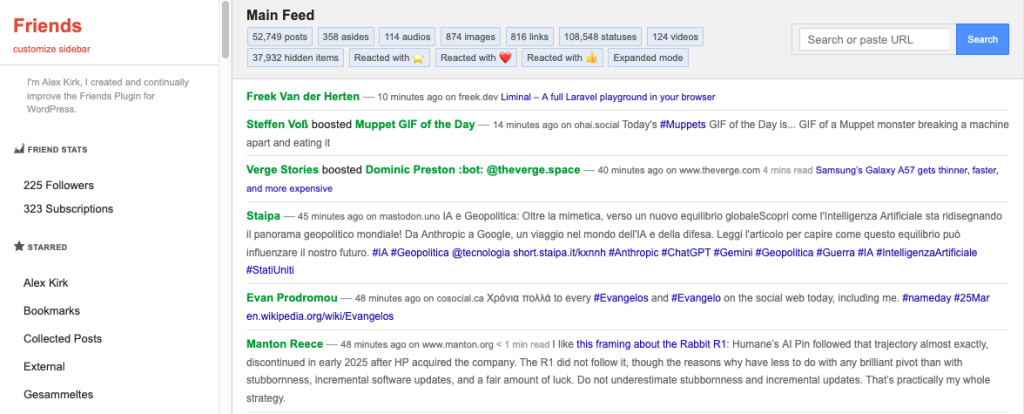
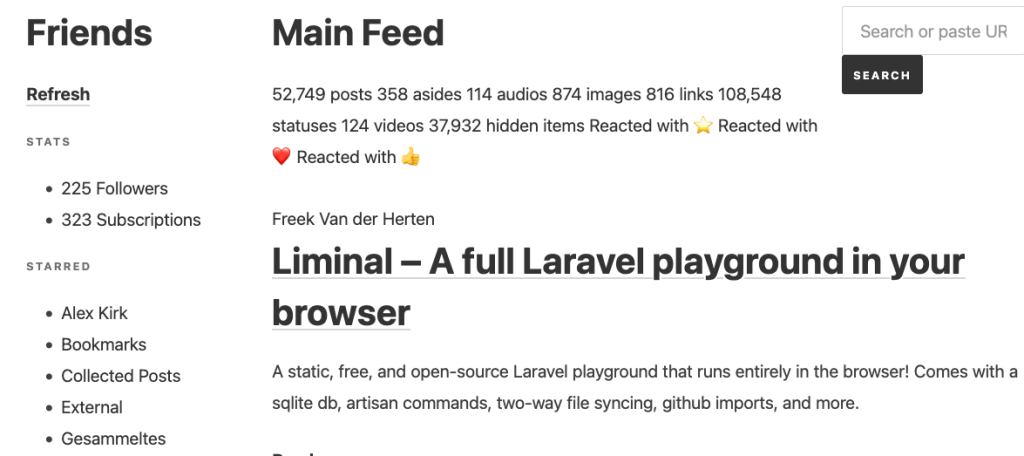
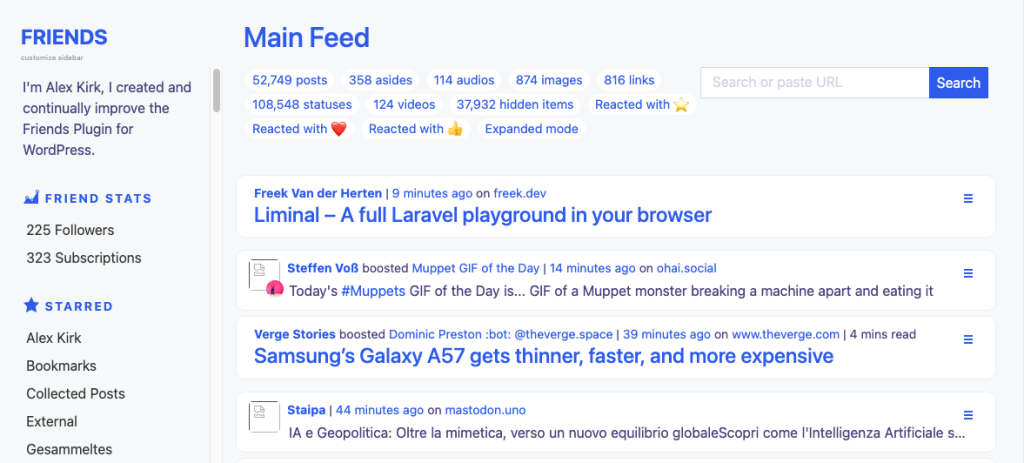
What are you reading? The Friends plugin makes WordPress a feed reader: follow RSS feeds, Atom feeds, ActivityPub accounts. Everything you chose to follow in one timeline, without any algorithm deciding what to surface. Friends 4.0 added three themes: a Google Reader-style interface with keyboard shortcuts (for those who never quite got over losing it in 2013), a Mastodon-style view for people already at home in the Fediverse, and a Block Theme option that integrates with your site’s own design. On a hosted WordPress, you can also participate in the Fediverse directly: follow and be followed, post to your own site and have it federate to Mastodon; and with Enable Mastodon Apps, you can use any Mastodon client to do it.
What articles did you save and actually read? Post Collection clips articles from the web into your WordPress. Send to E-Reader routes them to your Tolino or Kobo, Kindle or Pocketbook, so the things you saved are the things you actually end up reading, just maybe on a different device on which you saved them.
Keeping family history. I’ve always enjoyed hearing the little anecdotes from my family, but I wish I’d have a better memory for them. Thus I started keeping a private family wiki where the we collaborate in maintaining a Wikipedia for our family. It feels great to have this family chronicle to pass on.
Longevity. Right now, in my family, I am the most technical person. What will happen to all those memories in our WordPress? To make sure all those stories can persist, I created Static Archive which turns backups into easily accessible treasure troves. It works by keeping an HTML copy of your posts (and wiki pages) with inline media in your uploads folder, automatically updated every time you publish. It’s not a typical static site generator, it just quietly maintains an archive that is always current.
What do you want to ask your own data? The AI Assistant empowers you to modify your WordPress through chat. It can create or modify plugins to your liking, theme your site, interact with plugins through abilities that they provide. It pulls AI into your WordPress instead of interacting with it from the outside. This supports local models (for example through LM Studio) as well as OpenAI and Anthropic if you can provide an API key.
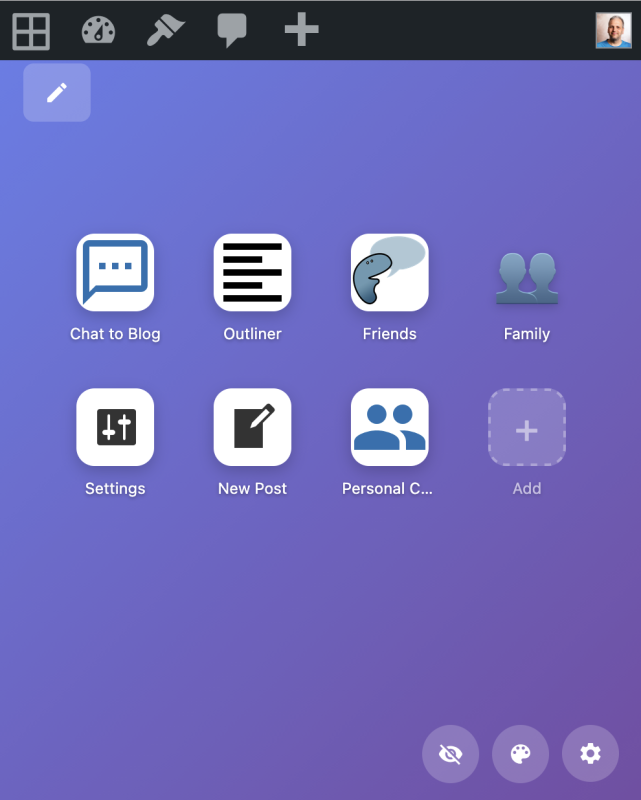
When announcing My WordPress and also inside my.wordpress.net, we’re using the metaphor of an app because they work like a web app, just hosted on your own WordPress. For the technically inclined: they are indeed plugins, but sometimes multiple working together, installed already configured through a blueprint.
What this is really about
WordPress is a widely available piece of open source software: you have a vast choice of hosts, or you can even install it on your local NAS (they usually already allow to install WordPress easily). While there are many tools that you can already self-host, each needs individual knowledge to set them up correctly. WordPress can be this one platform that can run all your apps, making it much more accessible.
The plugins I mentioned before have a few things in common. Your data lives on your WordPress: contacts, reading lists, saved articles, conversation history. They are not locked into someone else’s service where maybe you can get them out with a data export request, in a format of their choice.
But instead, everything lives in one place, and you (or a plugin) can combine it however you want, without involving anyone else.
You can modify your WordPress like you want: have plugins created for your needs, modify existing ones to your liking. With AI this is now becoming much more feasible for anyone.
And finally, this is all free and open source. No subscriptions, no per-user fees. You can run the software yourself, for as long as you want.
Getting Started
my.wordpress.net can be your starting point. It has its limitations and you might outgrow them. Because it’s a browser-based WordPress, it can reach out to the web to fetch feeds, clip articles, call APIs. But the web can’t reach in: ActivityPub federation, being followed by others, multi-device access: these need a reachable server.
But that’s just a natural progression: You start in the browser, discover what you actually want from a personal WordPress, and transfer to a webhost when the networked features become worth it.
And if you already have a WordPress, all of this is for you too. Skip my.wordpress.net and proceed to taking back the web for yourself straight away.